


Mouse Click Speed Test
Test your finger speed and reaction time. Designed for gamers who demand precision.
Click Here to Start
Smash your mouse buttons
How to use the CPS Test?
Step 1: Select Time Mode
Click the buttons above to choose your challenge duration (1s burst, 5s standard, 10s endurance, etc.).
Different durations test different muscle burst and stamina.
Step 2: Start Clicking
Move your cursor into the dashed rectangular area in the center. Take a deep breath. The timer starts
immediately upon your first click.
Step 3: Check Your Rank
When the countdown ends, the system automatically stops recording and displays your results. You will see your
Clicks Per Second (CPS), total clicks, and your gaming rank.
Pro Clicking Tips
Jitter Clicking
Uses rapid vibration of arm muscles to generate extremely fast click speeds. Requires practice to aim steadily. Common in Minecraft PvP.
Butterfly Clicking
Uses index and middle fingers to click alternately on the left mouse button. If your mouse supports Double Click, you can easily reach 15-20 CPS.
Drag Clicking
Uses friction between your finger and the mouse button surface to generate multiple micro-clicks while dragging. Usually requires specific mouse textures (like matte) to work.
Frequently Asked Questions
Colección destacada


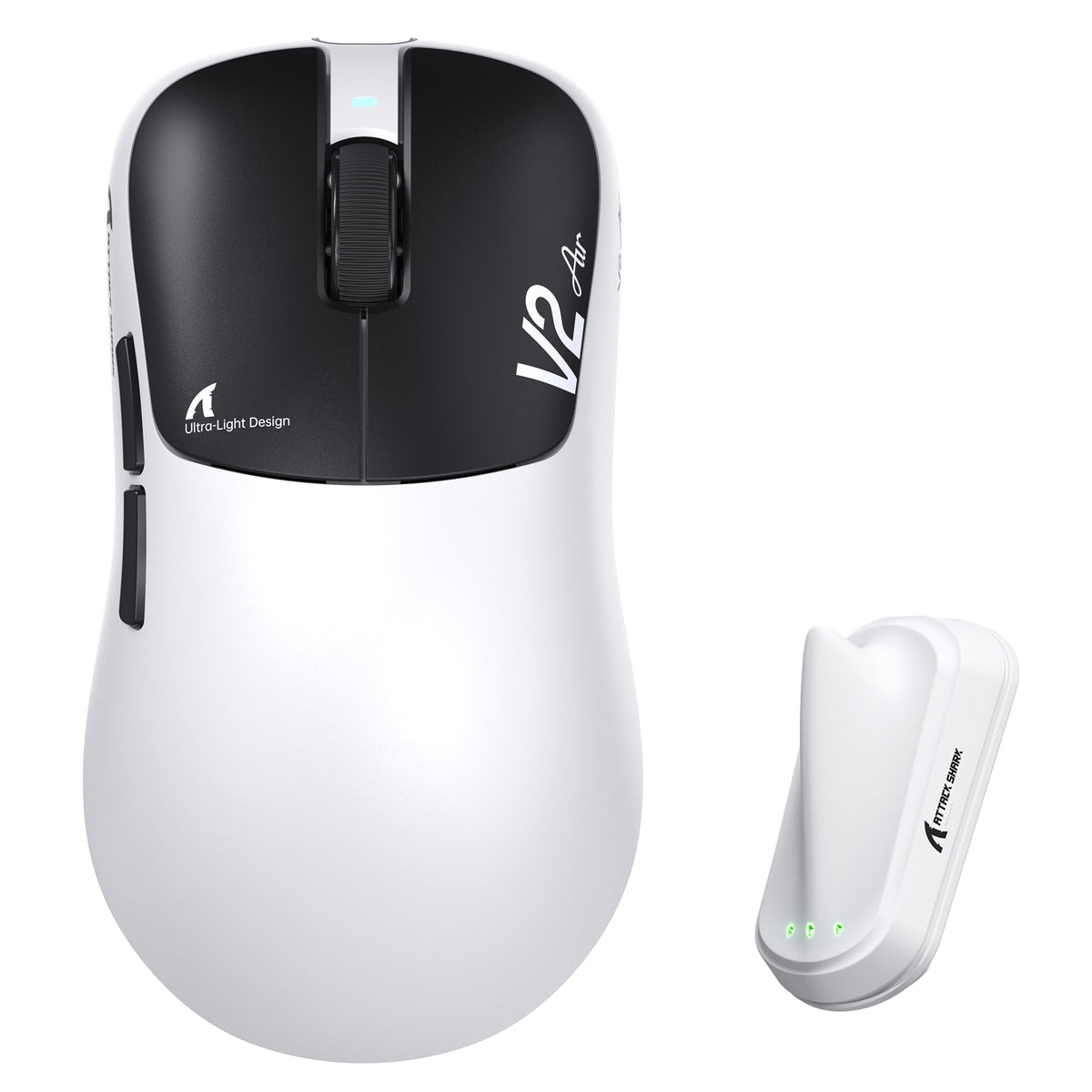
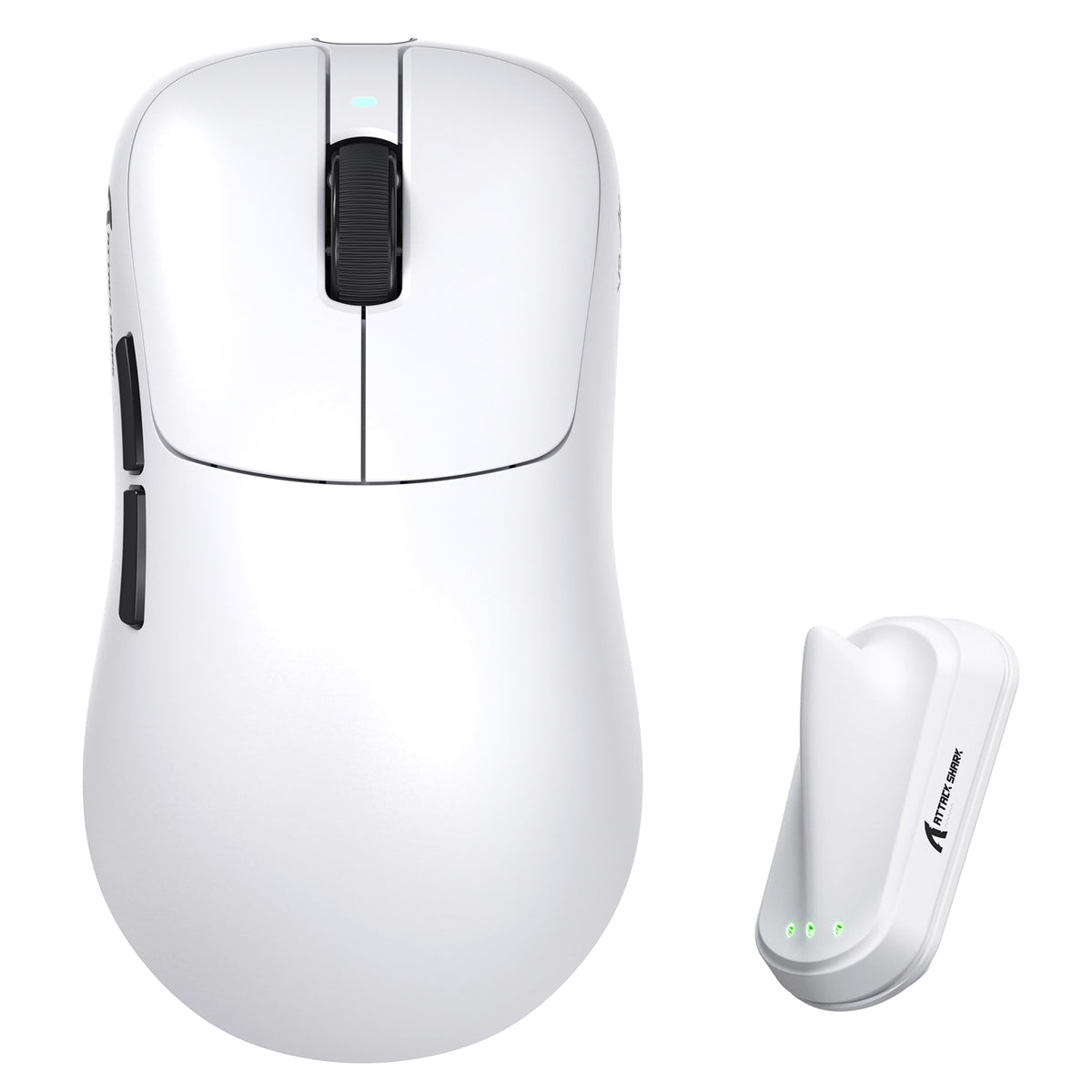
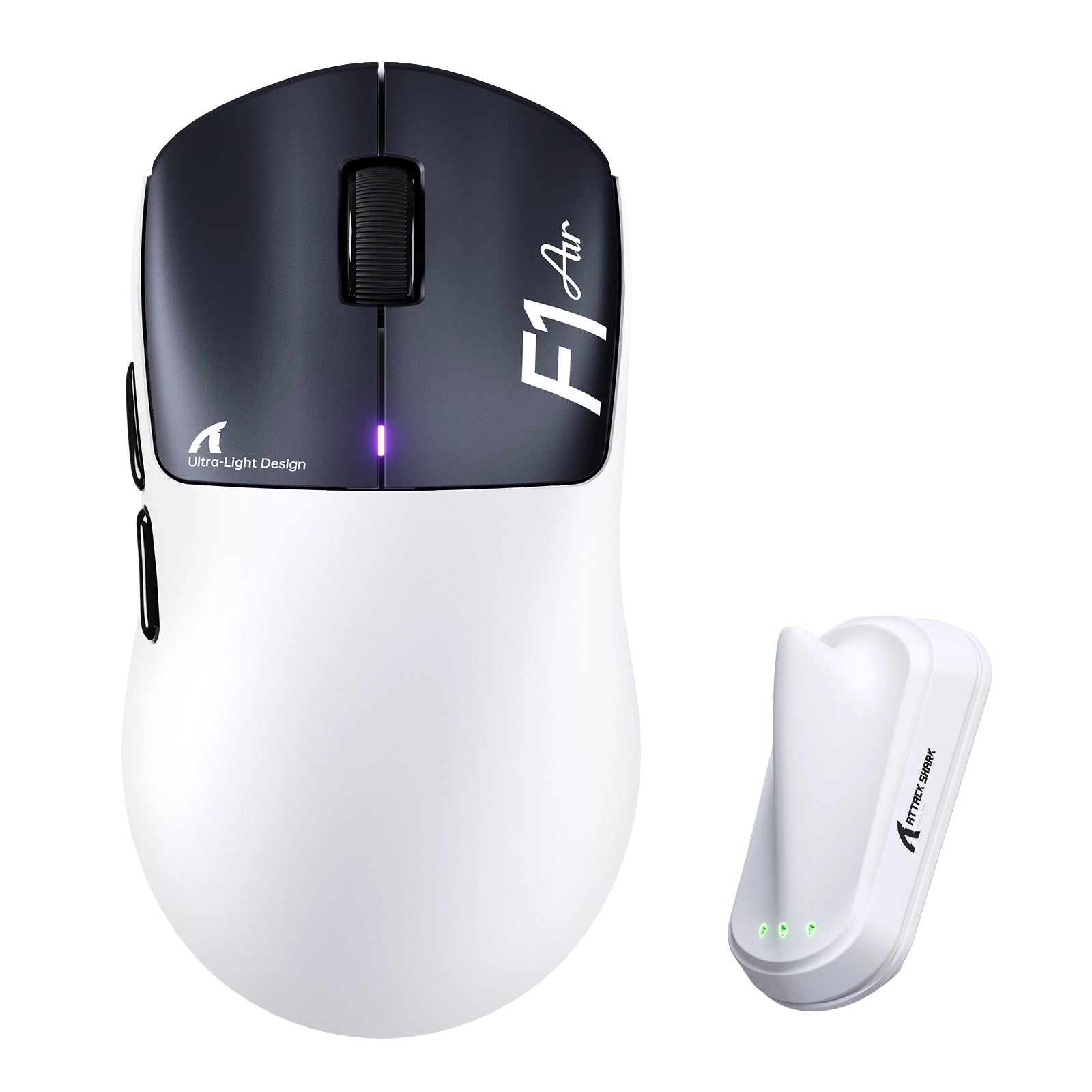
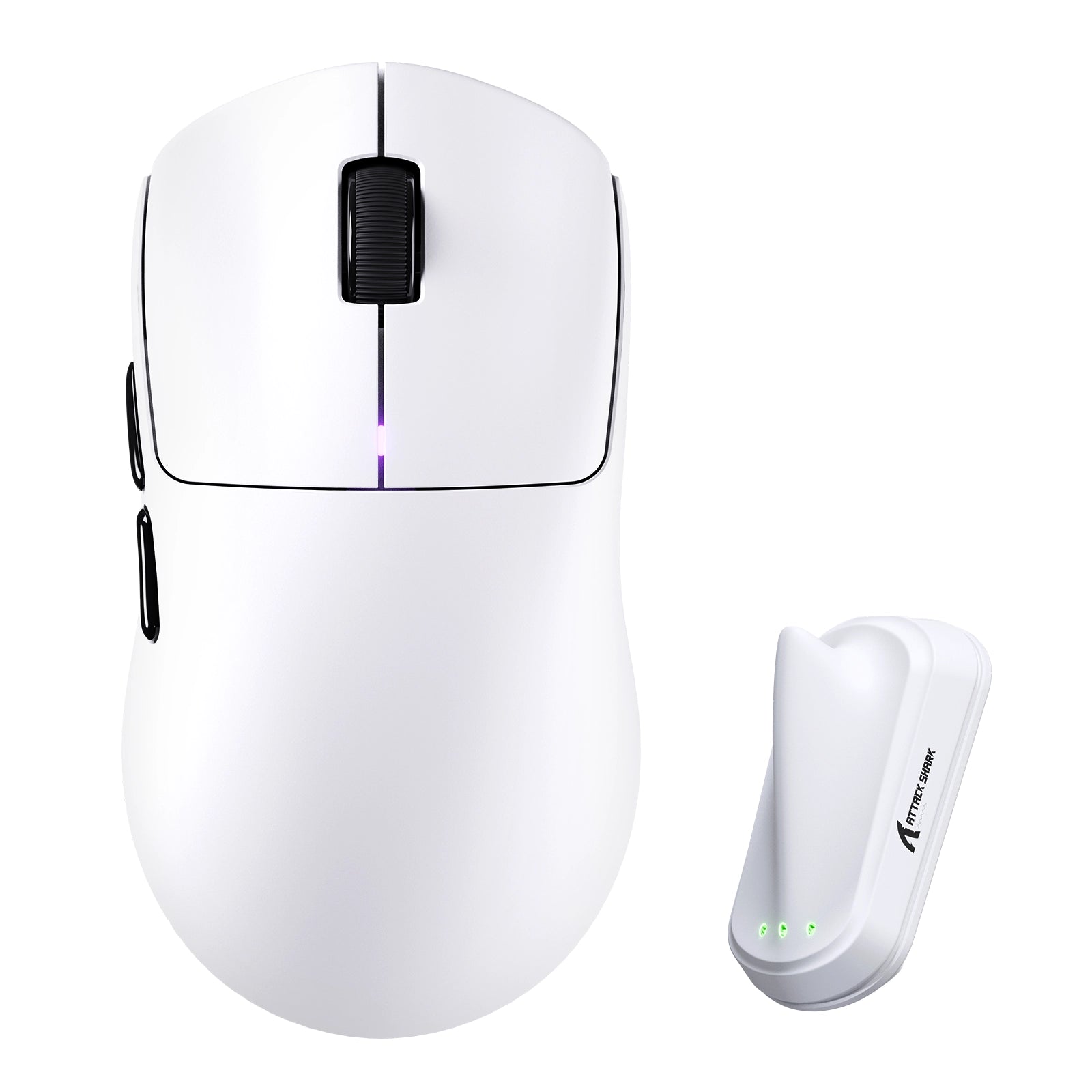
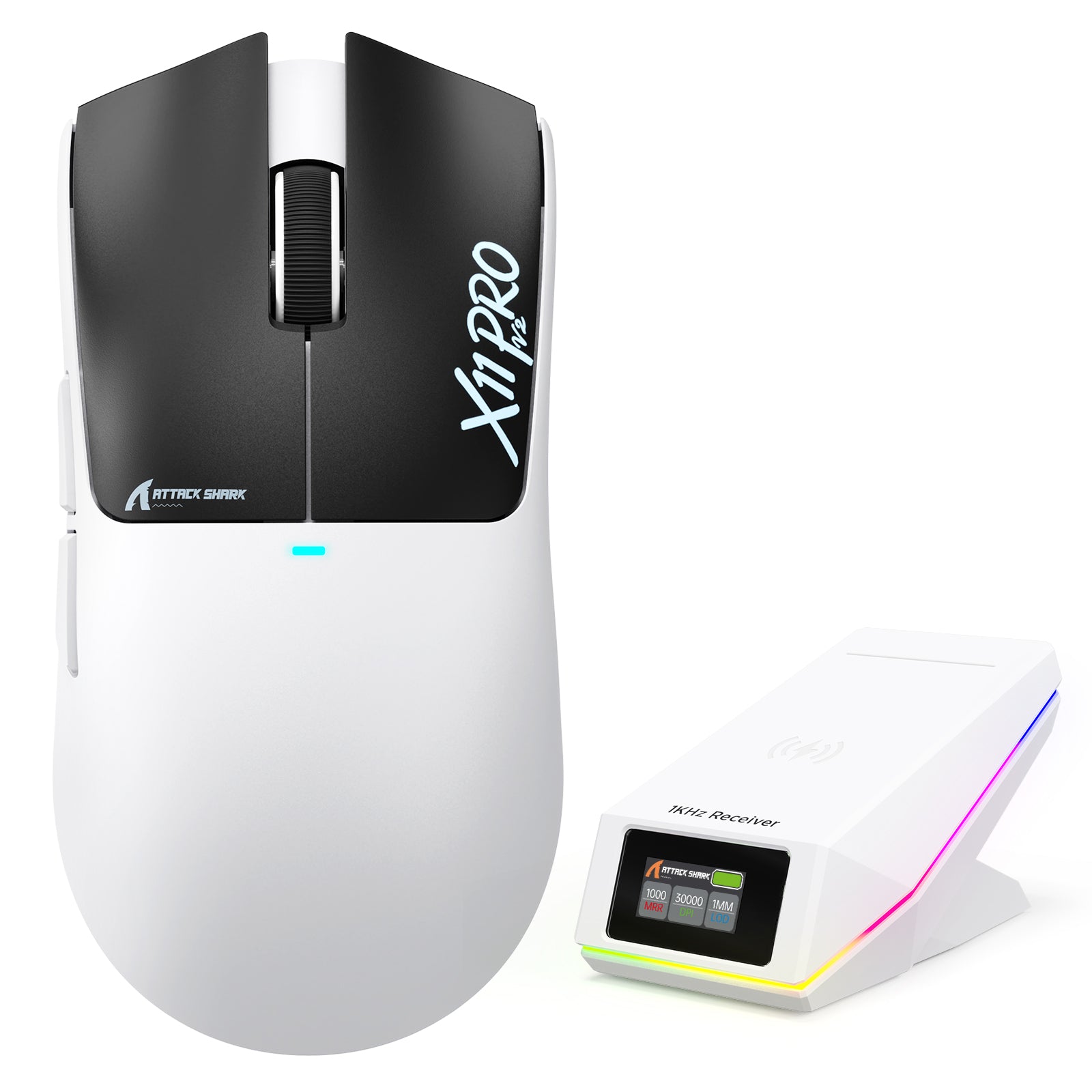

Entradas del blog
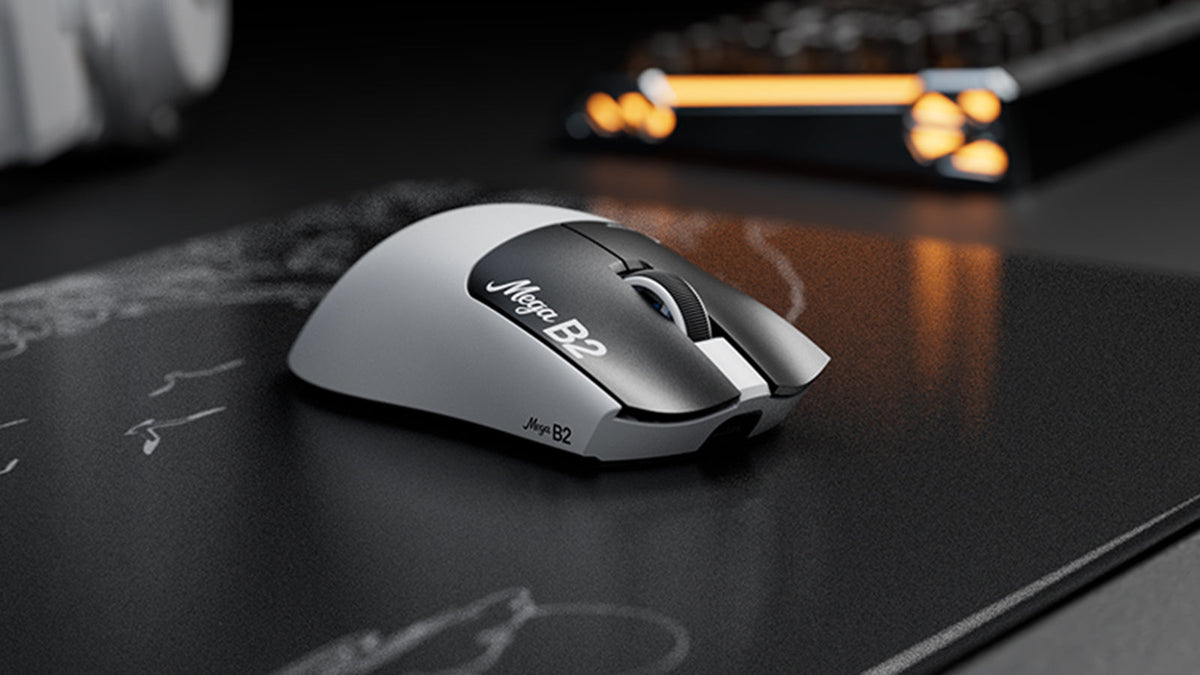
¿Qué es un ratón con activación rápida? Cómo la detección magnética TMR cambia los clics del ratón
Rapid Trigger restablece un botón del ratón tras un recorrido ascendente mínimo, mientras que la detección magnética TMR permite ajustar el punto de actuación sin contactos fijos.

ATTACK SHARK anuncia una alianza estratégica con el equipo de League of Legends de Cloud9 Kia
Descubre por qué esta colaboración entre Cloud9 y League of Legends es importante para los aficionados a los esports, el equipo de nivel profesional y los periféricos gaming accesibles.
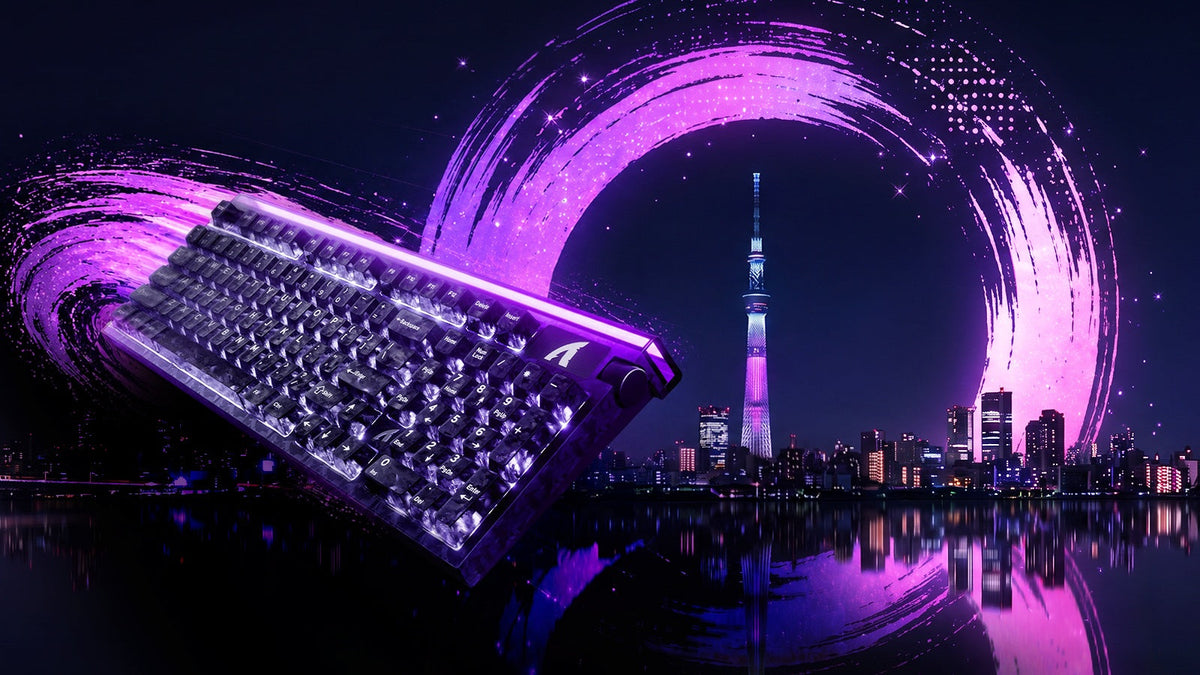
Conoce ATTACK SHARK en la EXPO DE TECLADOS DE TOKIO 2026
ATTACK SHARK se dirige al Tokyo Ryutsu Center el 23 de septiembre de 2026 para realizar pruebas prácticas de teclados con efecto Hall y ratones gaming en los stands B21-B23.