


Attack Shark Mouse Polling Test
Mouse polling rate results are estimates
This web tool can only estimate the polling rate from browser events. Browser throttling, event coalescing, system scheduling, page focus, and device drivers can all affect the displayed Hz.
Use the result as a reference only.
How To Use
1. Start Testing
Click the START button to begin. This activates high-frequency tracking inside the page. Keep the pointer in the browser window while the test is running.
2. Move Your Mouse
Move your mouse continuously in circles or side-to-side. The faster and more consistent your movement, the more accurate the polling rate reading will be.
3. Analyze Graph
The blue line represents your real-time polling rate (Hz). A flat, stable line indicates a consistent sensor performance. Drops indicate instability.
4. Scale & Controls
Use the dropdown to set the Max Hz (e.g., 1000Hz or 4000Hz). Use PAUSE to freeze the data or RESET to clear all history.
FAQ & Knowledge
Colección destacada


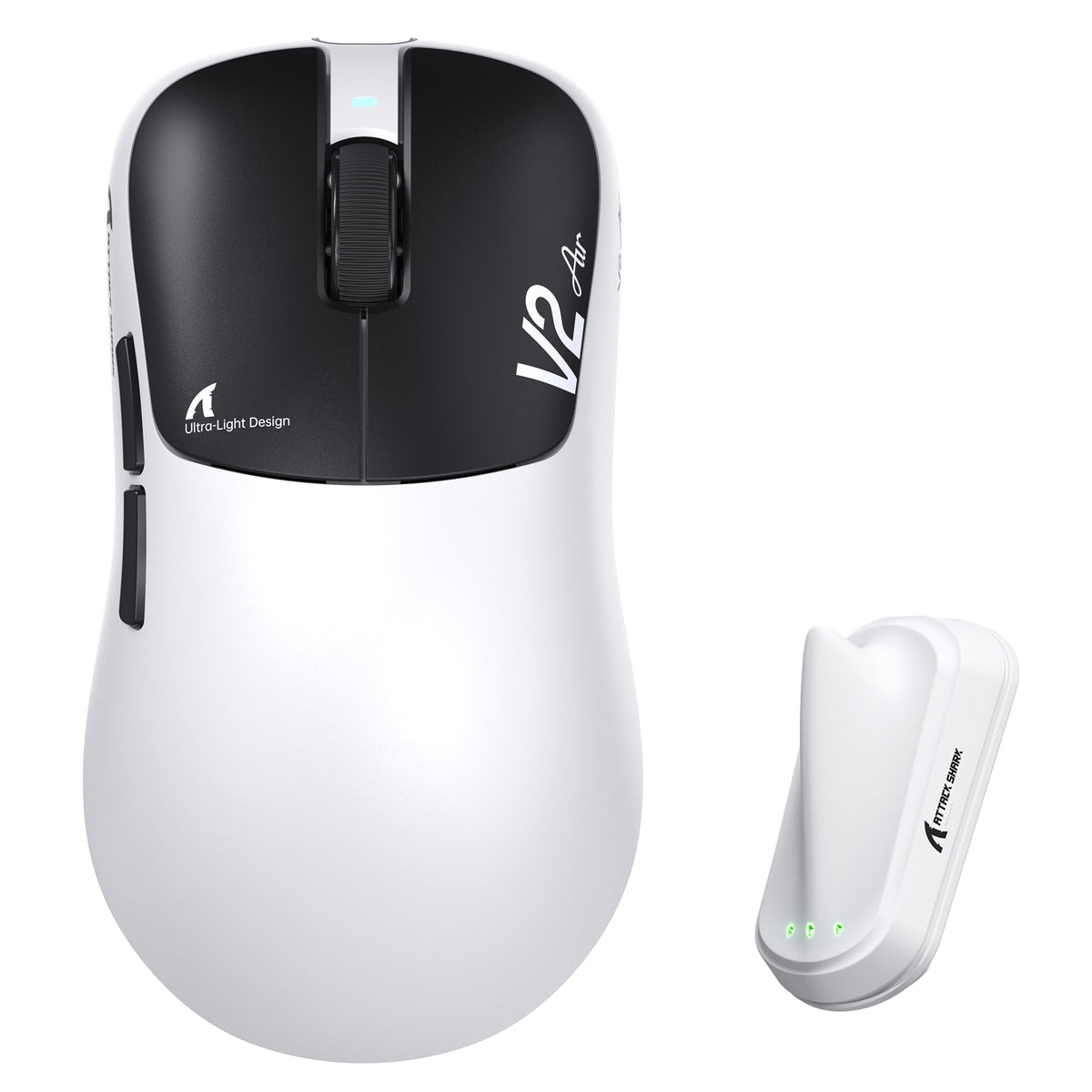
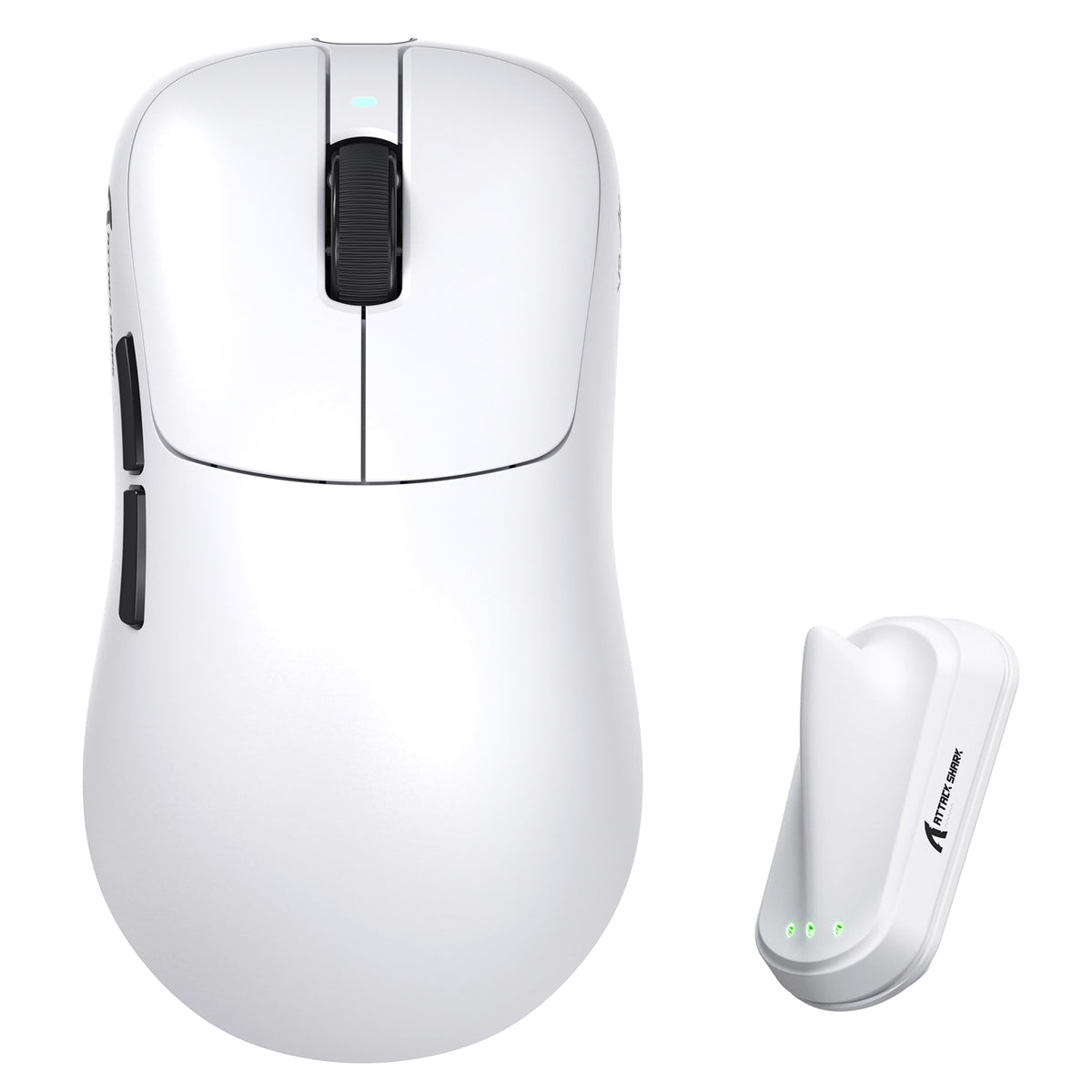
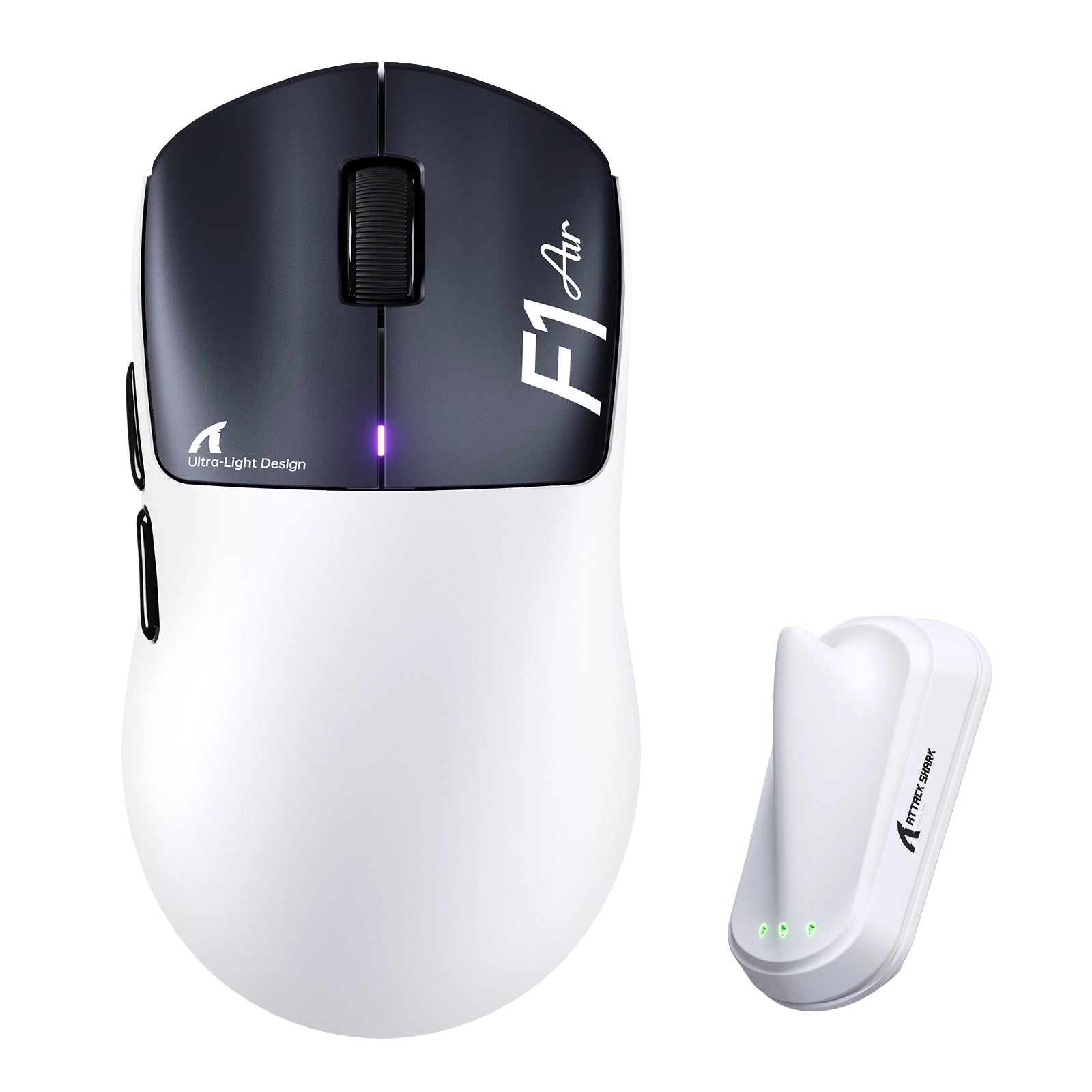
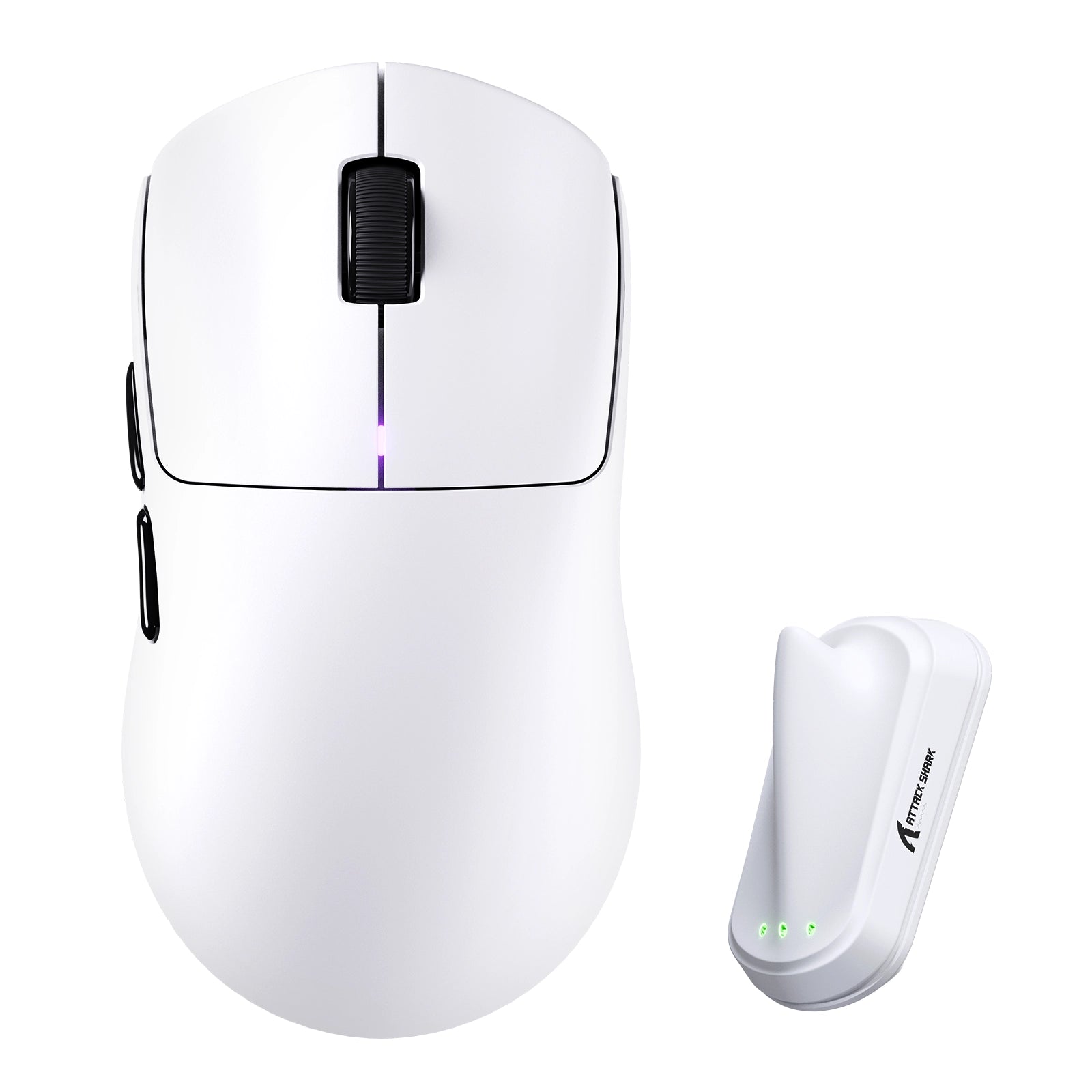

Entradas del blog
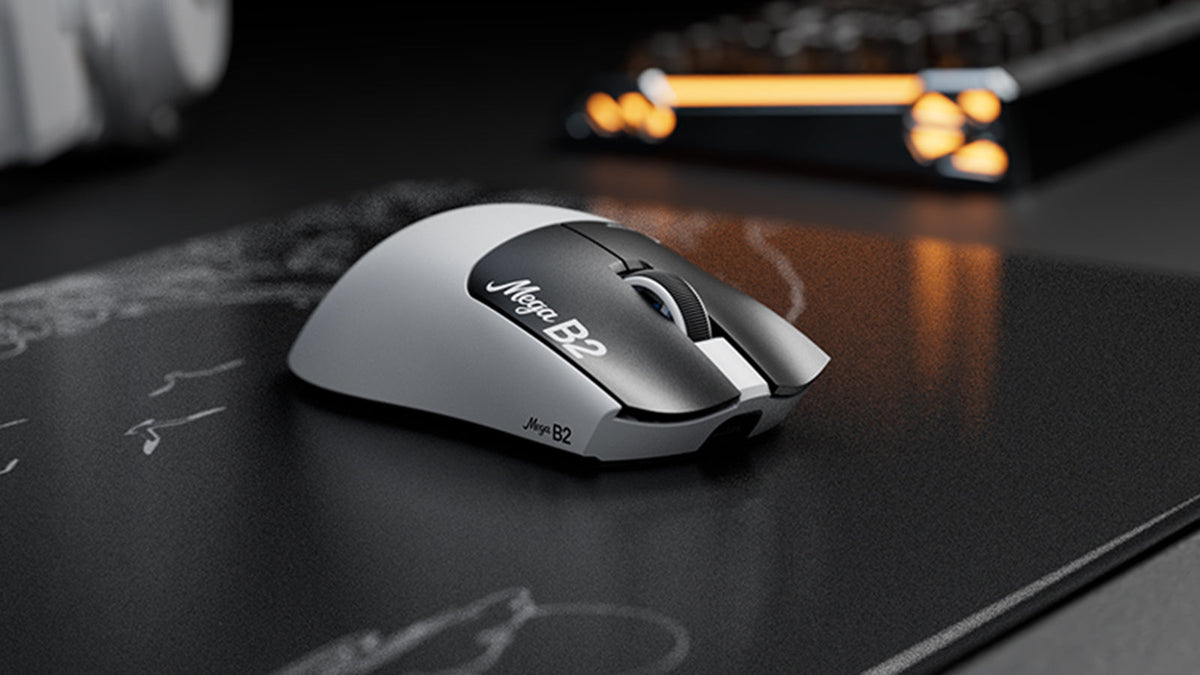
¿Qué es un ratón con activación rápida? Cómo la detección magnética TMR cambia los clics del ratón
Rapid Trigger restablece un botón del ratón tras un recorrido ascendente mínimo, mientras que la detección magnética TMR permite ajustar el punto de actuación sin contactos fijos.

ATTACK SHARK anuncia una alianza estratégica con el equipo de League of Legends de Cloud9 Kia
Descubre por qué esta colaboración entre Cloud9 y League of Legends es importante para los aficionados a los esports, el equipo de nivel profesional y los periféricos gaming accesibles.

Conoce ATTACK SHARK en la EXPO DE TECLADOS DE TOKIO 2026
ATTACK SHARK se dirige al Tokyo Ryutsu Center el 23 de septiembre de 2026 para realizar pruebas prácticas de teclados con efecto Hall y ratones gaming en los stands B21-B23.